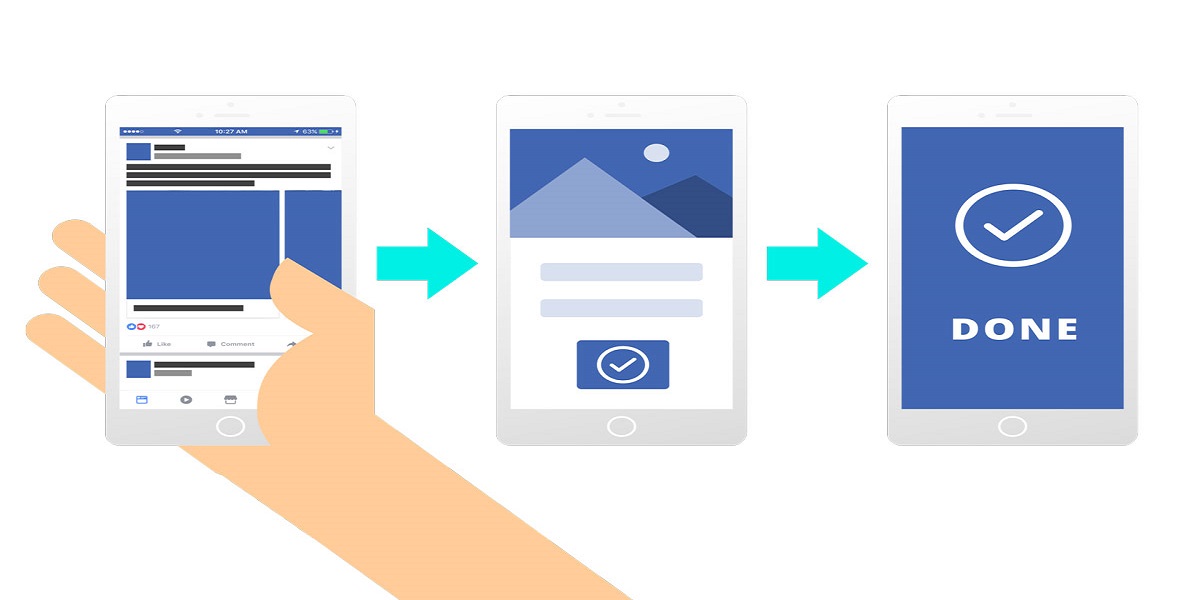
If you are reading this article, I am sure that you have started your own business recently and are struggling to get leads. Lead generation through digital marketing channels is, of course, hectic work to do, especially if your niche is super competitive.
However, there is one platform that can help you immensely in bringing more leads for your business. Facebook marketing is one of the oldest social media marketing platforms to promote your business. ‘Facebook leads form’ is a prevalent tool to generate more leads.
In this guide, we have detailed a number of steps to get business leads through the Facebook Lead generation form. Keep reading the guide till the end to get better insights.
Understand The Need For Traffic Before Generating Free Leads
Those who are little experienced marketers should know what significant changes Facebook has brought to their advertising transparency and news feed. It seemed frightening initially, but here is the actual scenario - Facebook is asking for more quality rather than quantity from business pages.
As a result, advertisers must develop engaging, relevant, and meaningful content on Facebook. Make sure that your content connects with your audience, and you are not increasing the number of posts.
How To Generate Leads For Facebook?
If you consistently post new content on Facebook, your followers will start to grow organically. In addition, it would drive more traffic to the Facebook Business Page. Do you want to know a fantastic tip? You can now filter this traffic into free leads for your emerging business easily.
Marketing with Facebook is not very new as it was one of the oldest social media marketing sites. One essential factor that you need to consider here is giving importance to your Facebook page. Treat the page as the main homepage of your website. Remember that this mindset only will lead you to more leads. In this way, you will not leave the home page without a captivating action.
Unless you optimize the pinned posts, your Facebook Business account posts will not create a roadway to conversion. So instead, follow the eight steps of creating Pinned Lead advertisements on Facebook below:
● Step 1: Visit Your Forms Library
Navigate to your Facebook Page. After that, select ‘publishing tools’ and then go to the ‘forms library’ on the left-hand sidebar of your screen. Facebook Toolkits are so diverse that it takes considerable time to learn the utilities of each one of them.
● Step 2: Develop The Leads Form
The second most crucial step is to create the form. Starting from the consent segment, give a name to the form. Then move on to listing some questions by adding a complete, engaging introduction. Ensure that your privacy policy is added. Furthermore, incorporate a link to your Thank You page.
● Step 3: Check The Settings
Take a look at the settings once you have completed the content section. For achieving this procedure, you need to change the configuration settings of the form from Restricted to Open.
● Step 4: Arrange The Campaign
This part is a little bit tricky as you have to take care of various settings and other options. So, first, create the business lead generation campaign from the Ads manager.
● Step 5: Create The Campaign
To set up the campaign, keep your daily budget to $5 and set the campaign’s end date to 1 day after it is published.
● Step 6: Go to Publish
It’s time to publish the campaign. In order to do this, navigate to the page posts and look for your ads post. Be very careful before proceeding to publish it because you are actually making the campaign live., So check twice or even thrice to identify any underlying flaws.
● Step 7: Now You Can Pin The Post
You can pin the new post on your Business Page. Then, log in to your Facebook business account and pin the new post on your wall.
● Step 8: Finally, Pause The Facebook Advertising Campaign
By this time, you can navigate back to the Facebook Ads Manager and, after that, pause the campaign without fail.
Conclusion
With the advent of social media channels, Facebook has taken digital marketing to a new dimension. As you can see from this article, lead generation has become so straightforward that you need not look back once you create a Lead Generation Form.
So follow the above steps diligently to drive more leads from Facebook Advertising. If you believe that this article is beneficial for you, share it with your friends facing similar challenges. Moreover, if you have something to share regarding the article, drop a comment in the box below.
Lastly, do not forget to stay tuned with us for getting excellent guides on trending marketing issues like this in the future.